How to add slides to an event
We will be looking at how to include a single set of slides to your webinar, if you are looking to include multiple slide decks or to include video content you might find the help article on how to create a playlist more useful.
To upload a Powerpoint file:
1
Head to the desired event in your project.
2
Make sure that "simple" is selected against webinar type in the details section of the event.
3
Scroll further down the details page and toggle on the use of PPT. Once this is toggled on you will see the option to upload your Powerpoint file to the event. 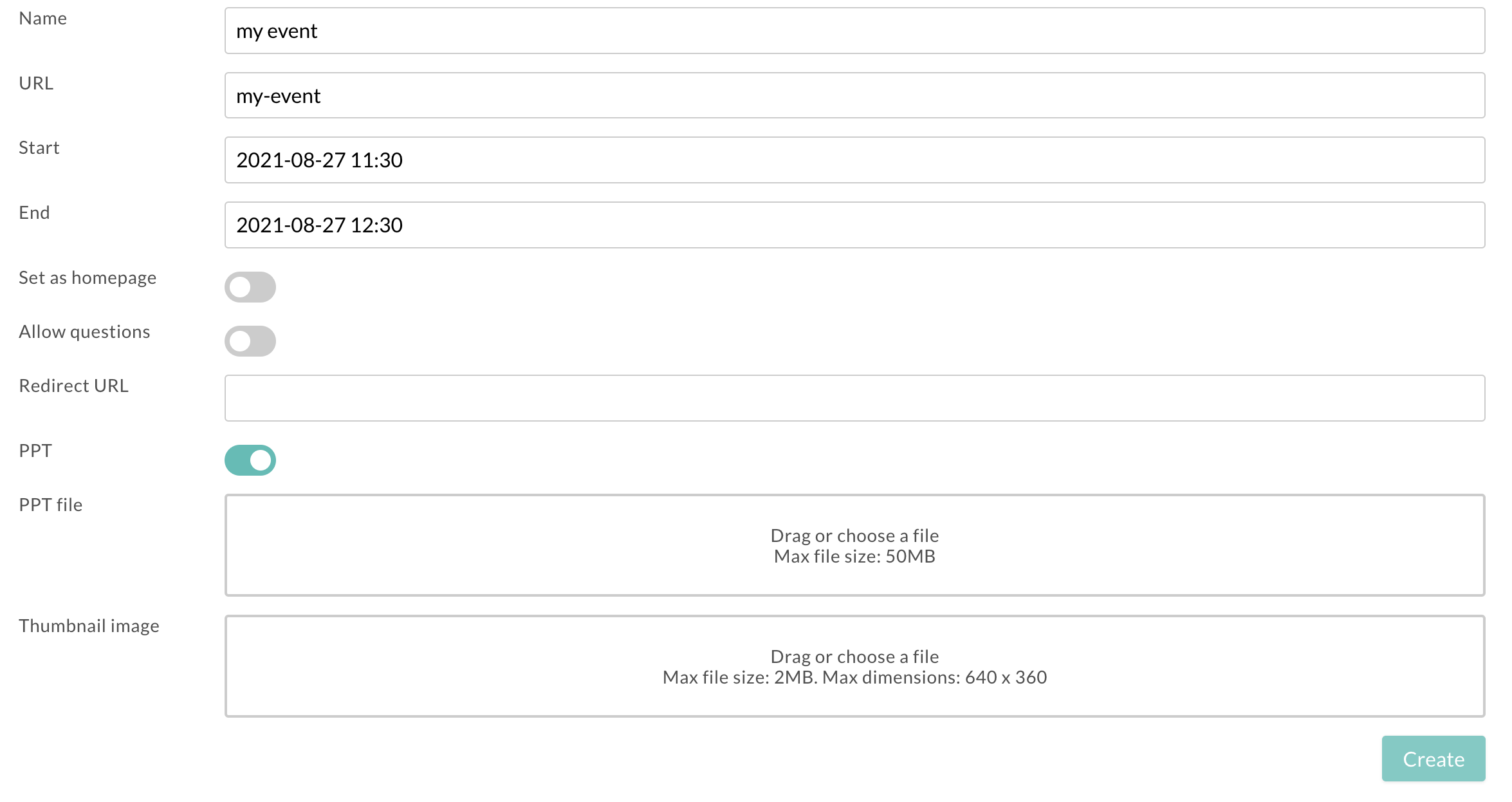 4
Once you have uploaded your slide deck ensure to click the create/update at the bottom of the page to save your changes
4
Once you have uploaded your slide deck ensure to click the create/update at the bottom of the page to save your changes

